Wedding Photo QR Code: Collect Every Guest's Photos
A wedding photo QR code is a printed code on your tables that opens a shared album when guests scan it with their phone camera. With DWM Album you make the album, print the card in your wedding colours, and every guest's photos arrive in one dashboard you can save to your phone or a ZIP. Guests don't install anything or make an account. It's free for up to 50 photos per album.
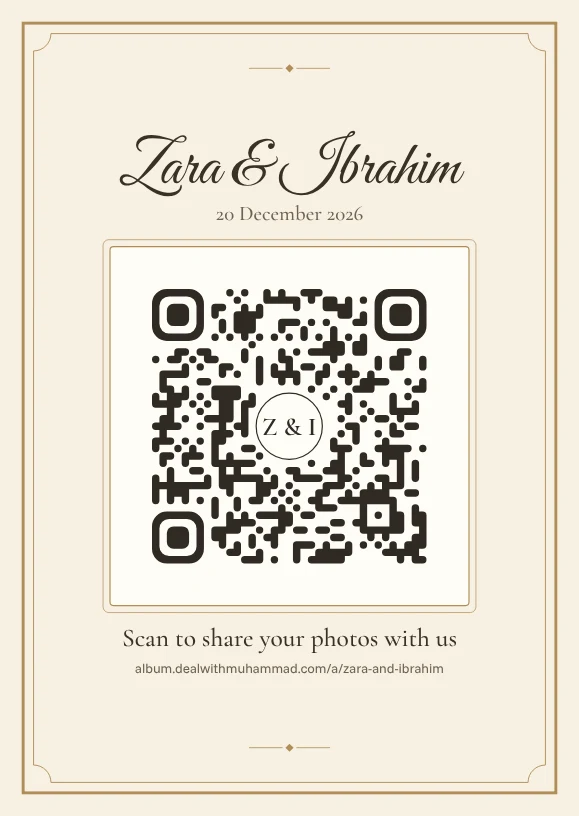
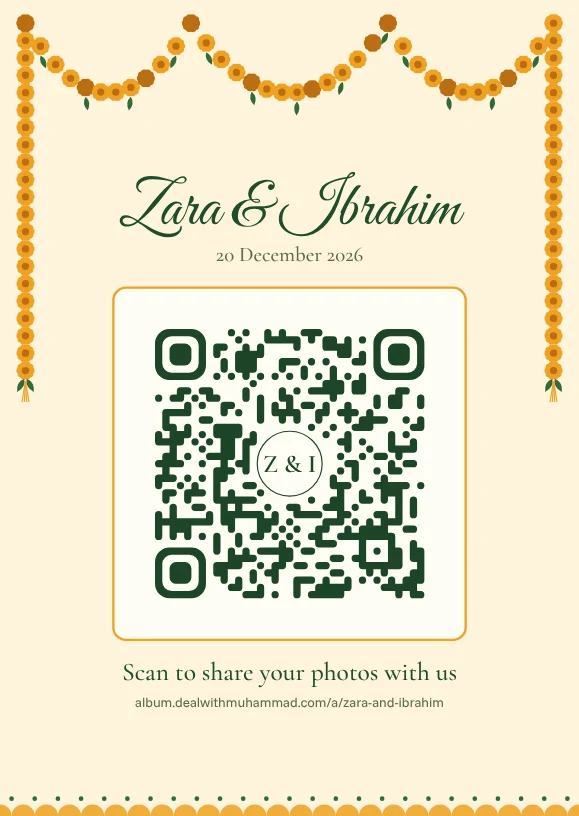
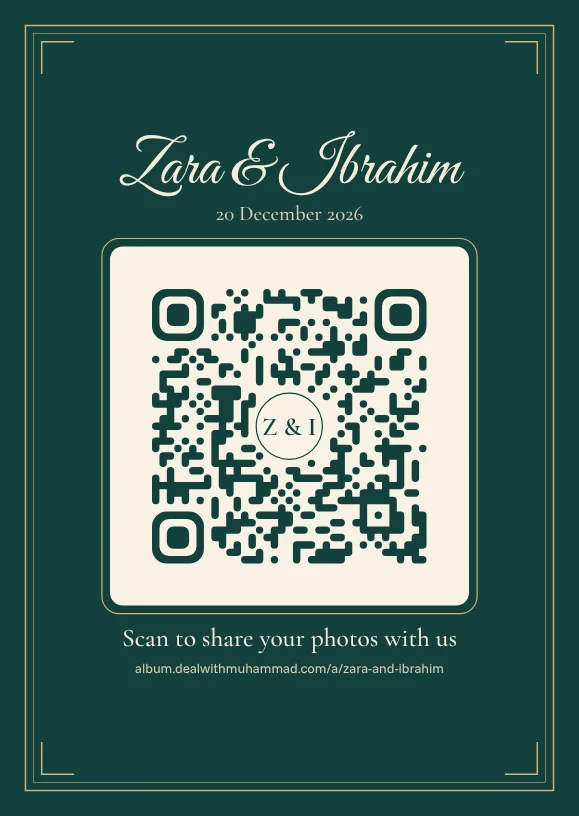
How it works
Make the album
Sign in with your email (no password), type your names and date, and add folders for each function if you like.
Print the QR card
Pick a design and colours, then download a PDF or PNG: A6 or 4×6 table cards, an A5 sign, an A4 poster, or four cards on one A4 sheet.
Guests scan and upload
Guests point their phone camera at the card. The album opens in their browser; they type their name and choose photos. No app, no account.
Save everything
Photos appear in your dashboard as they arrive. Save them to your phone or a ZIP.
What makes a good wedding photo QR code
- It scans the first time
- Dark code on a light plate, a clear margin around it, and printed at least 3 cm wide. DWM Album checks every card it makes by reading the code back before you can download it.
- It looks like your stationery
- Six designs, from ivory and gold to deep velvet, an Islamic arch and mehndi marigolds, each with its own colour sets and your initials in the middle if you want.
- It tells guests what to do
- Your names, the date and one clear line under the code, like 'Scan to share your photos with us'. The link is printed underneath too, for anyone whose camera won't scan.
- One code for every function
- Add folders for the mehndi, nikah, baraat and walima. Guests pick one when they upload, and you can download each one on its own.
Questions
How big should I print the QR code?
At least 3 cm wide for scanning from a seat at the table. The A6 table card prints it about 4.5 cm wide, and the A4 poster about 9–10 cm, for reading from further away.
Do guests need an app to scan it?
No. Any recent iPhone or Android phone scans QR codes with its normal camera, and the album opens in the browser.
Can I use one QR code for the whole wedding?
Yes. One album, one code, with optional folders for each function so photos stay sorted.
What if we get more than 50 photos?
Uploads stop at 50 on a free album and guests see a note that it's full. Message me on WhatsApp or email and I'll make your album unlimited: same album, same printed code.