QR Code for Wedding Photos: Make, Print and Test It
To collect wedding photos with a QR code, make a shared album, print its code on cards for each table, and test it with a few phones before the day. DWM Album gives you the album and print-ready cards in one go: PDF or PNG at 300 dpi, in A6, 4×6, A5 and A4, plus a sheet of four cards to cut out at home.
How it works
Make the album
Sign in with your email (no password), type your names and date, and add folders for each function if you like.
Print the QR card
Pick a design and colours, then download a PDF or PNG: A6 or 4×6 table cards, an A5 sign, an A4 poster, or four cards on one A4 sheet.
Guests scan and upload
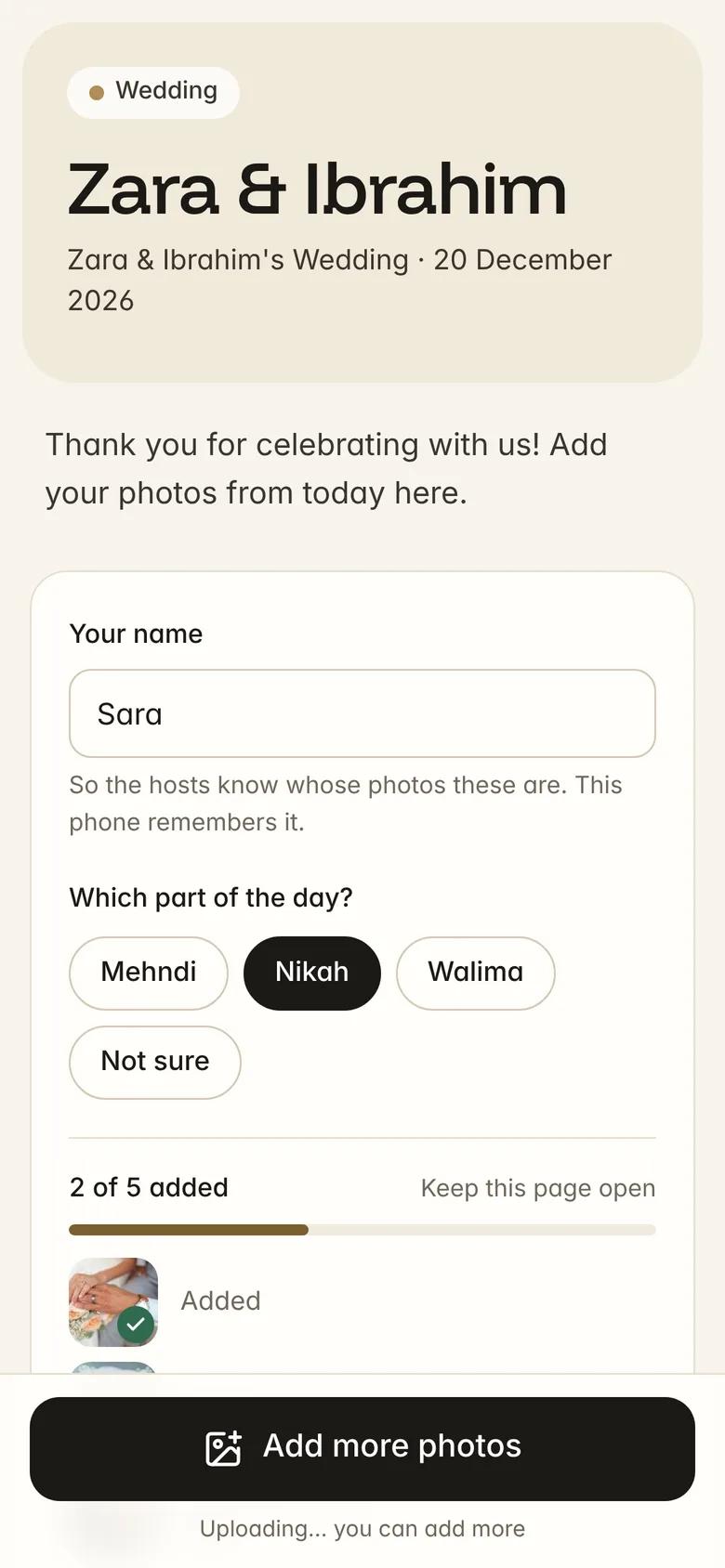
Guests point their phone camera at the card. The album opens in their browser; they type their name and choose photos. No app, no account.
Save everything
Photos appear in your dashboard as they arrive. Save them to your phone or a ZIP.
Printing tips
- Print at actual size
- Choose 100% or 'actual size' in the print dialog, not 'fit to page'. The PDFs are made at the exact card size.
- Matte paper scans best
- Glossy card can reflect the lights at an evening reception. Matte or silk card stock avoids glare.
- Test one first
- Print a single card and scan it with two or three different phones from about arm's length before printing the rest.
- Put one where people wait
- Besides the tables: by the entrance, the dessert table and the photo booth. An A5 sign in a frame works well.
Where the photos go
Every photo goes into your private album. You see who took it and which function it was from, can hide or delete any photo, and can choose whether guests see each other's photos. Location data is removed from every photo when it's uploaded.
Questions
Will the QR code still work after the wedding?
Yes, as long as the album exists. You can close uploads after the event so guests can still look but not add more.
Can I change the design after printing?
You can change the design any time, but printed cards keep working either way: the code always points to the same album link, which never changes.
Does it work for nikah, mehndi and walima?
Yes. Make folders for each function in one album, or a separate album for each if you prefer.