Print the card
Type your names and date, pick a design, and download a PDF: table cards, a sign, a poster, or four cards on one A4 sheet.
Put a QR card on every table. Guests scan it with their phone camera and add their photos, with no app and no sign-up. You get them all in one place.
Free for up to 50 photos per album.
Type your names and date, pick a design, and download a PDF: table cards, a sign, a poster, or four cards on one A4 sheet.
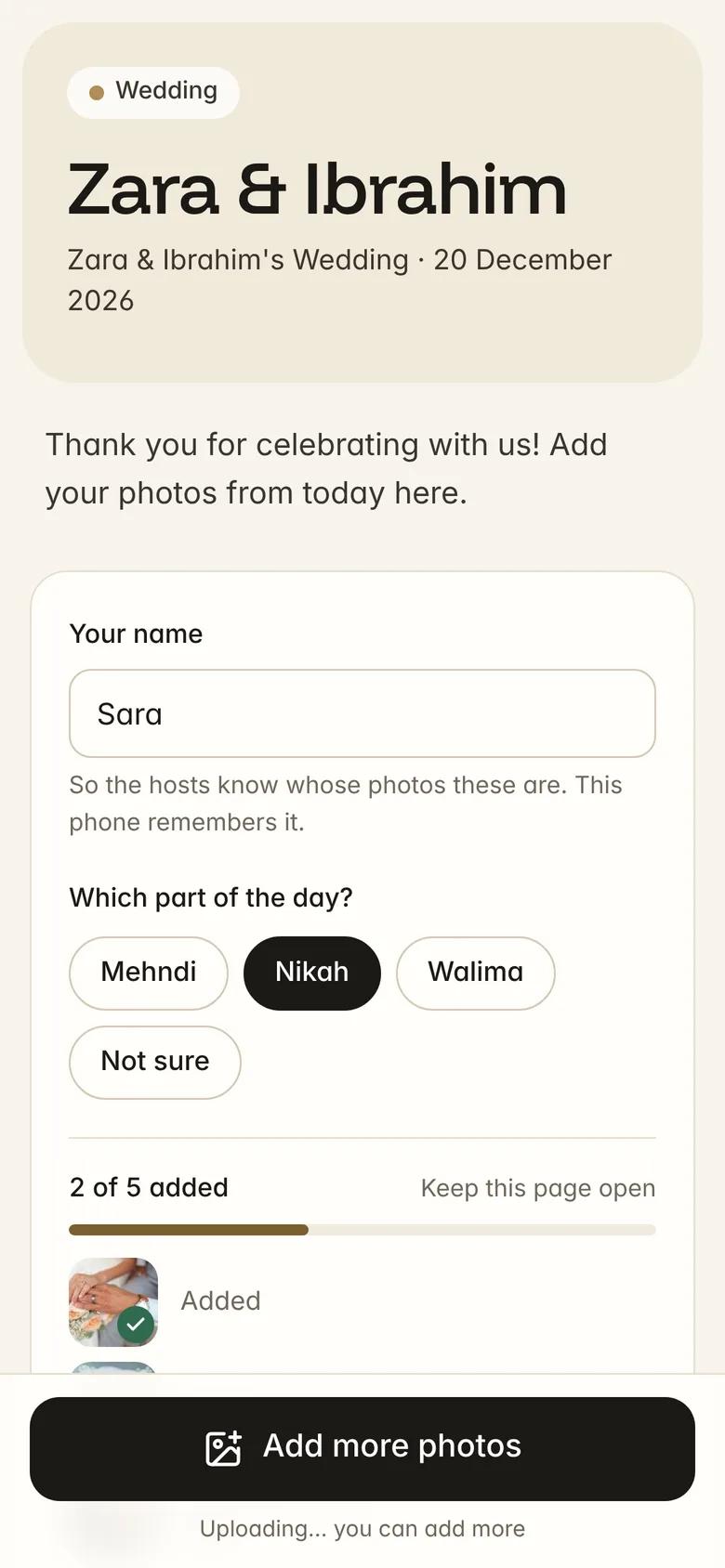
The camera opens your album. They type their name once and pick photos. Nothing to install, no account.
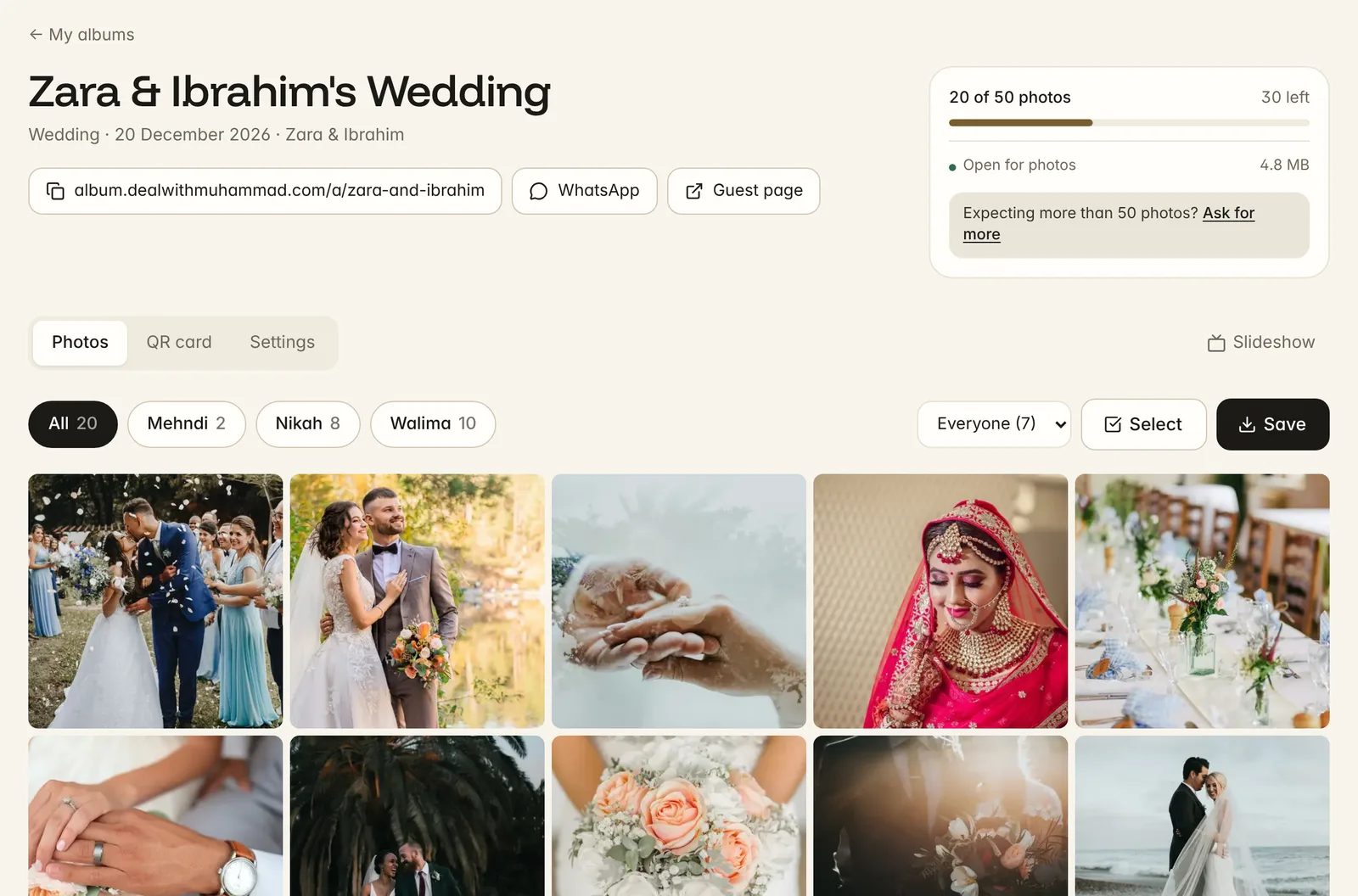
Every photo appears in your dashboard as it arrives. Save them to your phone or a ZIP.
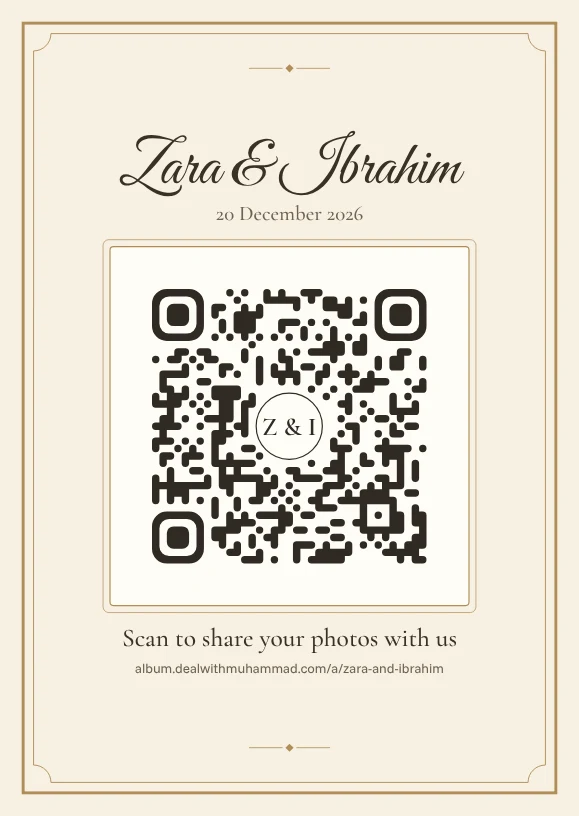
Six designs, each in several colours. Choose the dot style, the corners and your initials in the middle. Every card is read back like a phone camera would before you can download it, so the code always scans.
Ivory & Gold
Double gold rule on ivory, names in script
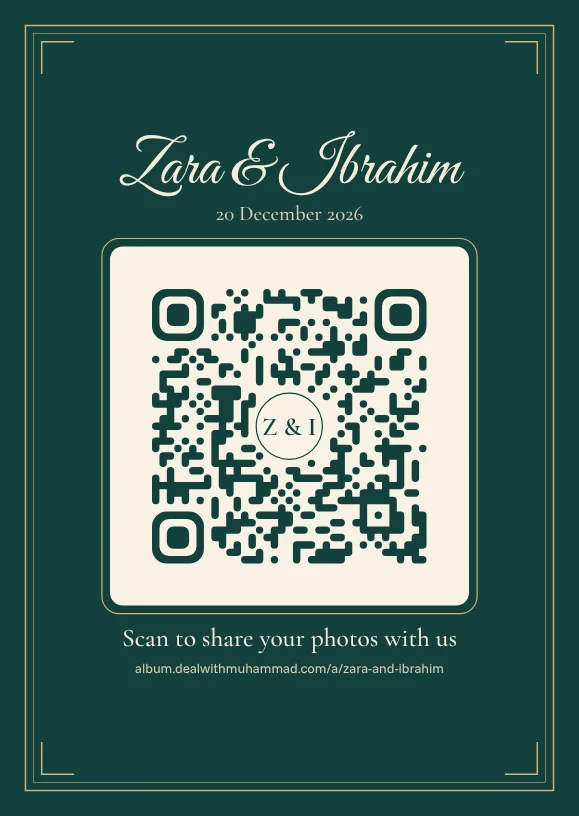
Velvet
Deep velvet colour, gold frame, ivory plate
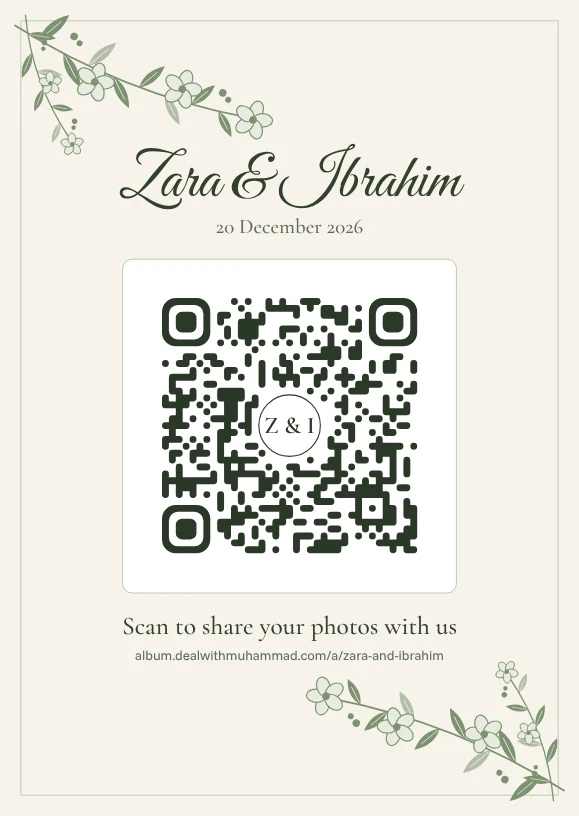
Botanical
Hand-drawn leaves and blossoms in the corners
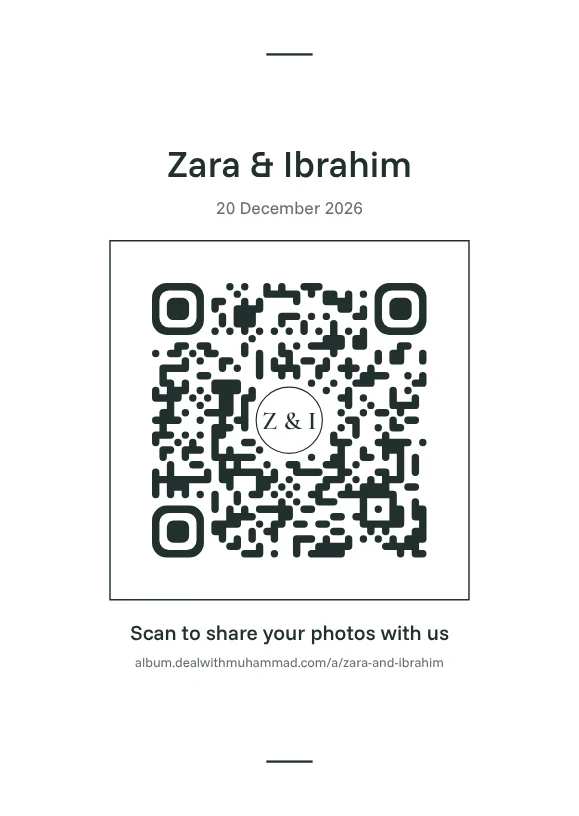
Modern
Clean type, lots of white, one colour
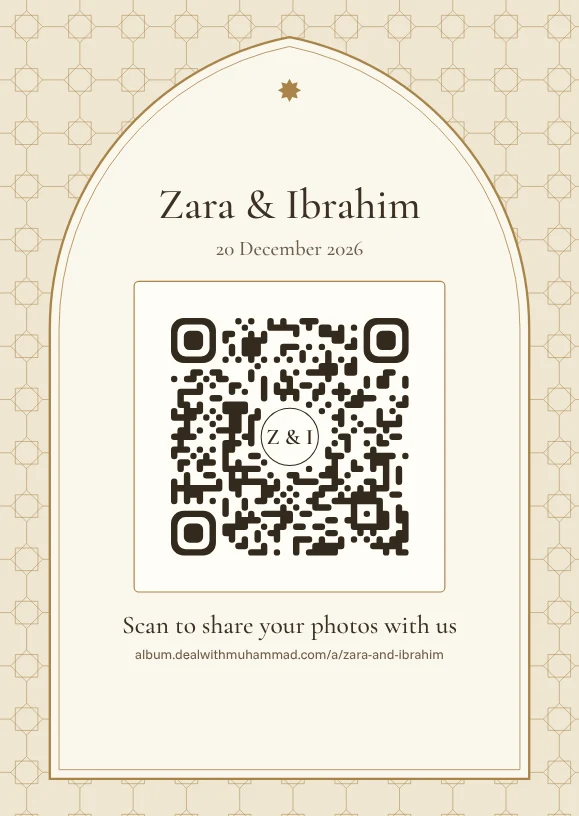
Arch
A pointed arch over an eight-point star lattice
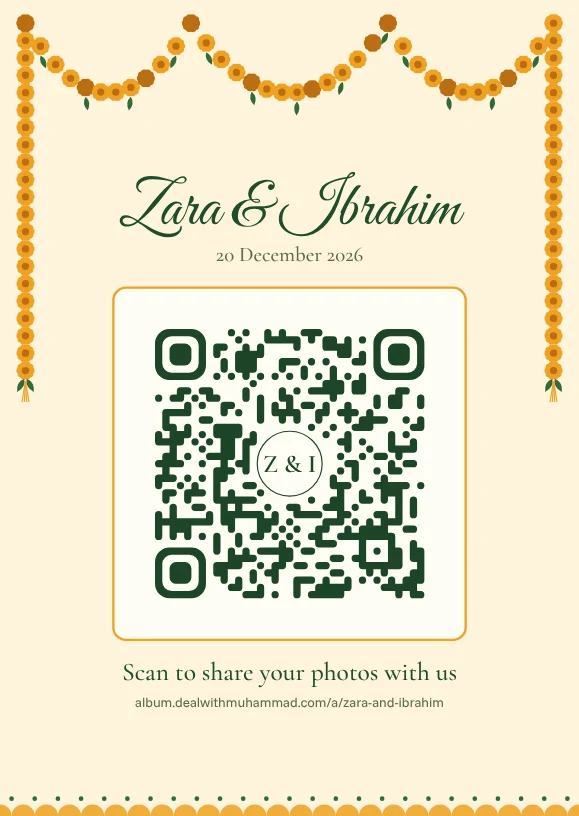
Mehndi
Marigold garlands, green and orange
Hosts can save the whole album, or one folder. If you let them, guests can save the album too.
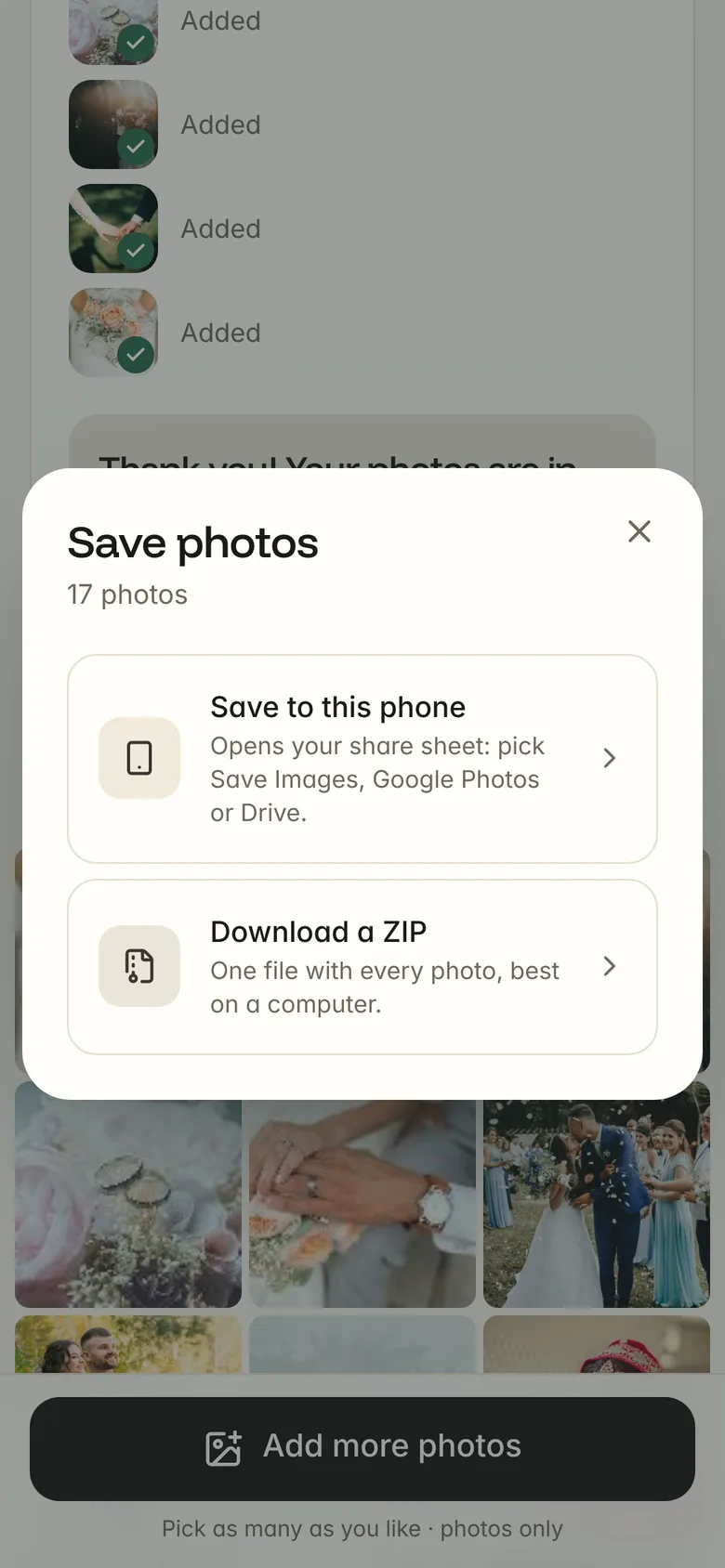
Opens the share sheet: Save Images on iPhone, Google Photos or the gallery on Android. Twenty at a time, a tap each.
One download with every full-size photo, in a folder for each part of the day. Best on a computer.
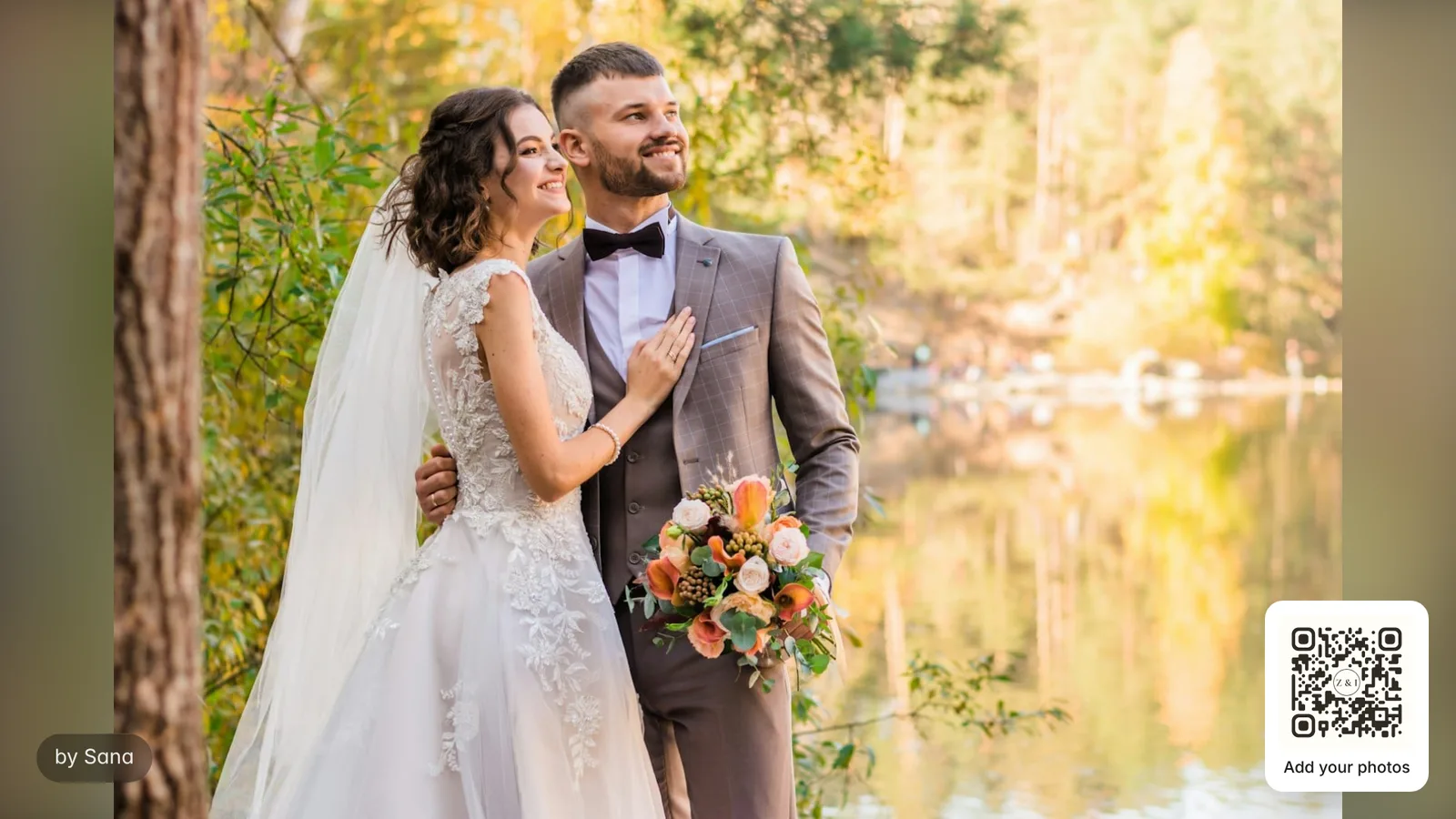
The slideshow on a TV at the venue, with the QR code in the corner for the rest of the room.
A free album holds 50 photos. When it's full, uploads stop and guests see a friendly note; nothing already uploaded is lost.
For smaller events, or to try it first.
For weddings where every guest has a camera.
Message me and I'll switch your album over, before the event or when it fills up.
Yes, for up to 50 photos per album, with every feature: the QR card designs, folders, the dashboard, the slideshow and saving everything. If you expect more photos, message me and I'll make your album unlimited.
Open your album and tap Save. On a phone, Save to this phone opens your share sheet with about 20 photos at a time: choose Save Images on an iPhone, or Google Photos or the gallery on Android. You can also download a ZIP on a computer.
No. They scan the QR code with their phone camera, and the album opens in their browser. They type their name once (the phone remembers it) and pick photos from their gallery or take new ones.
Uploads stop at 50 photos and guests see a message that the album is full. Nothing already uploaded is lost. You can delete photos you don't want to make room, or ask me for an unlimited album.
If you want them to. It's a switch in the album settings. You can also choose to approve every photo before guests see it, or keep the whole album private to you.
Yes. iPhone HEIC photos are converted on the phone, and every photo is resized to 2400 pixels on its long side before it uploads, so uploads are quick even on mobile data. That's plenty for viewing and for prints up to about 8×10 inches.
Only people with your album's link or QR code, and only if you let guests view the album. Albums aren't listed anywhere or shown to search engines, the photo files are private, and the location data in photos is removed on upload. You can also add a password.
Not yet. DWM Album takes photos only for now.
Yes. Every design keeps the code dark on a light background with a clear margin around it, and uses the strongest error correction when your initials sit in the middle. Print it at least 3 cm wide; the A6 table card prints it about 4.5 cm wide.
DWM Album was made by Muhammad Ahmad, a web and mobile app developer in Kuala Lumpur, Malaysia. It's part of the same family as DWM Invite. Email me@dealwithmuhammad.com or WhatsApp +60 11-3986 5270.
Make the album and download your QR card in a few minutes.